How to Choose the Right CCTV Power Supply: A Complete Guide for Installers
Picking the right CCTV power supply is the most skipped decision in surveillance installation. This guide covers voltage, current sizing, centralized vs distributed power, and certifications — with real calculation examples.
You open a CCTV camera box. You grab the nearest power adapter. You plug it in. Nothing happens — or worse, the camera turns on briefly and then dies silently.
This is usually a power supply problem, not a camera problem.
Picking the right CCTV power supply is one of the most skipped-over decisions in surveillance installation. Most installers grab whatever 12V adapter looks right. But the wrong power supply doesn't just cause failure — it causes intermittent problems that are hard to diagnose and even harder to trace back to the power source.
This guide covers the complete decision framework for selecting CCTV power supplies in commercial and residential installations.
The Core Specs: What Actually Matters
Voltage: 12V vs 24V — Make the Right Call First
12V DC is the most common voltage for small-to-medium CCTV installations. Cameras, domes, and most bullet cameras run on 12V.
24V AC or 24V DC is used in commercial systems with longer cable runs, larger cameras (PTZ with heater elements), or systems that need to power multiple cameras from a centralized location.
The critical rule: check your camera's voltage requirement before anything else. Most cameras have a rating printed on the label or in the spec sheet. 12V cameras powered with 24V will fry immediately. 24V cameras powered with 12V simply won't work.
Current (Amps): Size It Right
Current rating determines how much power the adapter can deliver continuously. Undersizing causes overheating, voltage drop, and premature failure.
Rule of thumb: Add up the current draw of all cameras, then multiply by 1.3 for a 30% safety margin.
Example: 4 cameras × 500mA each = 2A total. 2A × 1.3 = 2.6A. Use a 3A or 4A supply.
Power (Watts): The Real Number for Big Cameras
Some cameras — especially PTZ cameras with heater elements, infrared illuminators, or motorized zoom — are rated in watts, not amps. For these:
Watts ÷ Voltage = Amps needed
Example: A PTZ camera rated at 60W at 24V = 2.5A. Add 30% margin = 3.25A minimum.
Power Supply Architectures: Which Layout to Use
Individual Adapters (Distributed Power)
Each camera has its own dedicated power adapter, plugged into a nearby outlet or power strip.
Pros: One camera failure doesn't affect others. Easiest to troubleshoot. No single point of failure.
Cons: More adapters to manage. Multiple wall warts. Harder to provide backup power.
Best for: Small systems (1-8 cameras), residential, retail stores.
Centralized Power Supply + Distribution
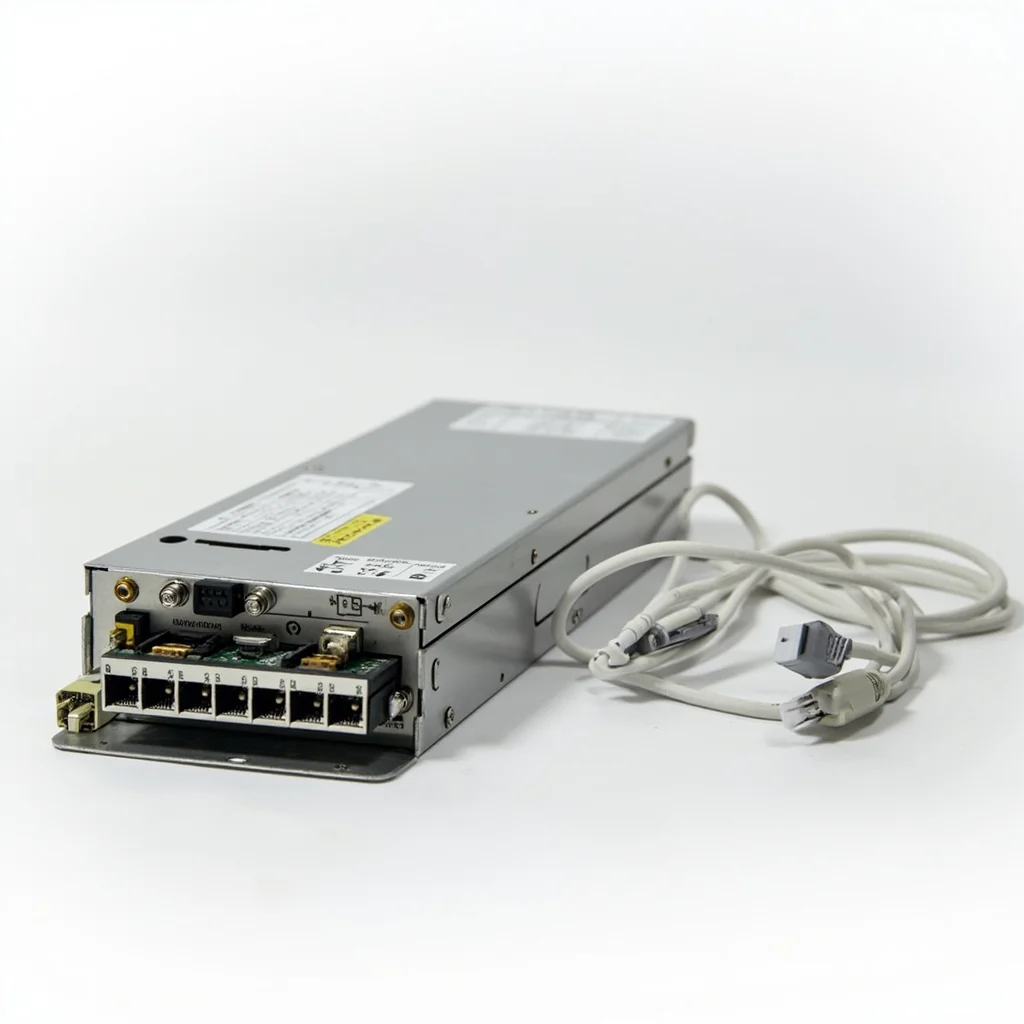
A single large power supply (often in a rack or enclosure) feeds multiple cameras through a power distribution box or cable splices.
Pros: Cleaner installation. Easier to provide UPS backup power. One power outlet needed.
Cons: Cable runs need to be sized correctly for voltage drop. One supply failure takes down all cameras. Requires proper fusing.
Best for: Medium-to-large commercial installations (8+ cameras).
PoE (Power over Ethernet) — When It's the Right Choice
IP cameras that support PoE (typically 802.3af or 802.3at) receive power over the same Cat5e/Cat6 cable that carries data. No separate power cable needed.
Pros: Single cable for everything. Easy backup with PoE-capable UPS. Widely supported.
Cons: Only works for IP cameras (not analog HD). PoE switches add cost. Cable runs limited to 100m per segment.
Best for: New installations where IP cameras are specified. Retrofit jobs where running new power cables is expensive.
The Voltage Drop Problem Nobody Talks About
Long cable runs lose voltage. This is the #1 cause of camera failures in larger installations.
For a 12V camera at the end of a 30-meter RG59 cable running at full load, you might see only 10.5V at the camera — not enough for reliable operation. The camera might work in daylight (lower current draw) but fail at night when the infrared LEDs activate (higher current draw).
Solutions:
- Use 24V for runs over 20 meters, then use local 24V-to-12V step-down converters at each camera
- Use heavier gauge wire (12AWG instead of 18AWG) for long runs
- Use a power supply with voltage adjustment (often labeled "13.5V" output) to compensate
- Use video baluns on Cat6 cable — they handle power and video over one cable with minimal loss
Certifications That Actually Matter for Commercial Projects
CE Certification (Europe)
Required for any electronic equipment sold or used in the European Economic Area. Confirms the product meets EU safety and environmental standards. Commercial buyers in Europe will ask for CE certification — if you don't have it, you lose the deal.
UL / cUL Certification (North America)
Required in the US and Canada for electrical equipment used in commercial buildings. UL listing on power supplies means an independent testing lab verified the product's safety. Many commercial specifications explicitly require UL-listed equipment.
RoHS Compliance
Restricts hazardous substances in electronic equipment. Increasingly required in EU, Asia, and by major commercial buyers who have ESG requirements. Shows your products meet international environmental standards.
FCC Certification (USA)
Power supplies can generate electromagnetic interference. FCC Part 15 compliance ensures the power supply doesn't interfere with other electronic equipment — particularly important in dense commercial environments.
Choosing a Power Supply: Quick Decision Framework
- How many cameras? 1-4 cameras = individual adapters. 4+ cameras = centralized supply.
- How long are the cable runs? Under 20m = 12V fine. Over 20m = seriously consider 24V or video balun system.
- PTZ cameras or cameras with heaters? These need 24V or high-wattage 12V supplies. Check the spec sheet.
- Do you need backup power? If uptime matters, use a UPS-backed centralized system. Individual adapters need individual UPS units.
- What certifications are required? Know your buyer's requirements before quoting — CE, UL, or FCC are common deal-breakers.
Common Mistakes That Kill CCTV Systems
- Using a 1A adapter for 4 cameras: The adapter runs at full capacity constantly, overheats, and dies within months.
- Not accounting for night mode current: Infrared LEDs can double a camera's current draw. Size for night mode, not daylight.
- Running 12V over long cable runs: Voltage drop at the camera end causes cameras to reboot at night.
- No surge protection: Power spikes — especially near industrial equipment — kill power supplies and cameras. Use surge-protected power strips or built-in surge protection.
worow.com offers a complete range of CCTV power supplies: 12V/24V adapters, centralized power boxes, PoE switches, and voltage stabilizers. All products carry CE, RoHS, and FCC certification. Contact us for bulk pricing and project quotes.