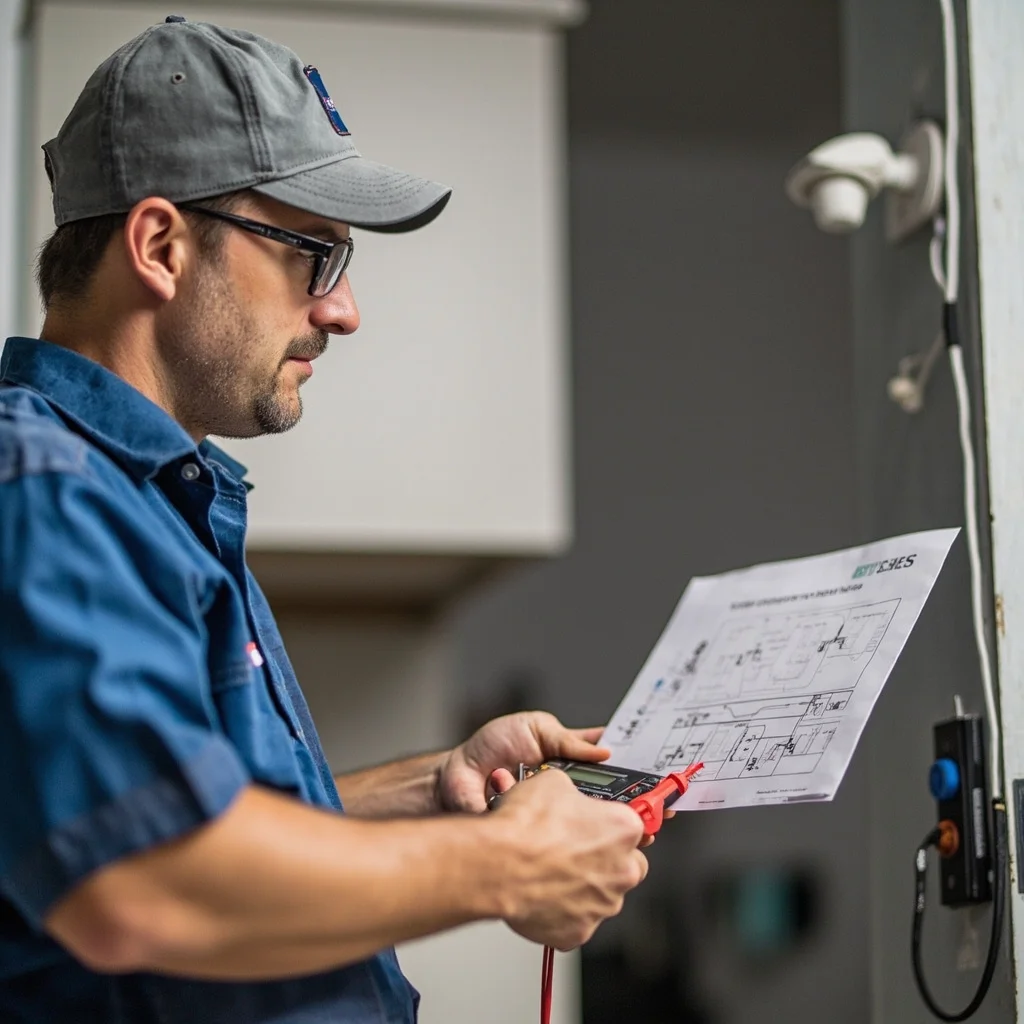
How to Calculate CCTV Camera Power Consumption and Plan Your Power System
Precise power consumption calculation is what separates a reliable CCTV installation from one that fails at the worst moment. This guide gives you the exact formulas and real-world examples for sizing your power system correctly.
You finish a 16-camera installation at a retail store. Three months later, you get a callback: cameras at the far end of the building are failing at night. The power supply is undersized.
This is entirely preventable with proper power consumption planning before the job starts.
Why Power Calculation Matters More Than You Think
Most CCTV failures within the first year trace back to power problems — not camera defects, not cable failures, but power. Undersized supplies overheat and fail. Voltage drop at the camera end causes cameras to reboot nightly. Wrong supply voltage fries expensive equipment.
Power calculation isn't complicated. It takes 10 minutes before the job starts and saves you a service call that costs 10x the time.
The Core Formula
Total Power Needed = Sum of All Camera Current Draws × 1.3 (Safety Margin)
The 1.3 multiplier adds 30% headroom. This accounts for:
Camera启动电流峰值(启动时功耗是正常运行时的1.5-2倍)
Voltage loss over cable distance
Power supply degradation over time
Night mode IR LED activation (can double current draw)
Camera Power Consumption Reference Table
Standard Bullet Camera (12V, 500mA): 6W — typical indoor dome or bullet, no IR
IR Bullet Camera (12V, 1A): 12W — adds infrared illuminators for night vision
PTZ Camera (24V, 2A): 48W — motorized pan-tilt-zoom, heater element
Dome Camera with Heater (24V, 1.5A): 36W — outdoor dome in cold climates
Wireless IP Camera (PoE 802.3af): 15.4W — powered over ethernet cable
High-Performance IP Camera (PoE 802.3at): 30W — PTZ or enhanced night vision
Step-by-Step Calculation Example
Project: 8-camera retail store installation
Step 1: List each camera type and count:
4× Standard bullet cameras (no IR): 4 × 500mA = 2A
4× IR bullet cameras: 4 × 1000mA = 4A
Total continuous current: 6A
Step 2: Apply safety margin:
6A × 1.3 = 7.8A minimum
Step 3: Select power supply:
8-channel power supply box rated at 10A or higher
Individual 1A adapters for each camera (distributed approach — more reliable)
Step 4: Check cable distance for voltage drop:
Longest run: 35 meters on RG59. At 6A total current, voltage loss ≈ 3.6V. Camera end: 8.4V — critically low for 12V cameras.
Solution: Use 24V centralized supply, or switch to individual adapters near cameras, or use heavier gauge wire.
Centralized vs. Distributed Power
Centralized Power (One Big Supply)
One power supply feeds all cameras through a distribution box. Cleaner installation, easier UPS backup.
Best for: Systems under 20 cameras with cable runs under 50m
Distributed Power (Individual Adapters)
Each camera has its own dedicated adapter. More adapters to manage, but one failure doesn't take down the whole system.
Best for: Larger systems, critical installations, or when cable runs vary significantly in length
Night Mode: The Hidden Power Draw
This is the most common mistake in power planning. During the day, most cameras draw their rated current. At night, when IR LEDs activate, current draw can increase by 50-100%.
Example: A camera rated at 500mA might draw 800mA at night with IR on. If you've sized your system for 500mA, your cameras will be borderline during every night cycle — causing intermittent failures, degraded night vision, and premature LED burnout.
Always size power for night mode operation.
Redundancy: Plan for Failure
For critical installations: Use dual power supplies with automatic failover, or UPS-backed centralized power
For standard installations: Include 20-30% spare capacity so you can add cameras later without replacing the power system
Overcurrent protection: Each camera circuit should have its own fuse or PTC resettable fuse — this prevents one short circuit from taking down the whole system
Power Planning Checklist
List all cameras and their current draw at maximum load (including night mode)
Calculate total current: Sum(all cameras) × 1.3
Select power supply with at least that current rating
Check voltage at the furthest camera for each cable run (use a voltmeter or calculate)
For runs over 20m on 12V, consider 24V supply with local step-down, or use video baluns
Plan overcurrent protection: fuse per camera or per circuit
Document the power system layout for future maintenance
worow.com offers CCTV power supplies in all common configurations: 12V adapters, 24V industrial supplies, PoE switches, and centralized power boxes with individual fused outputs. All products carry CE and FCC certification. Request a quote for your next project.